
Skip to content
Accounting

Event finances, kept together

Turn event orders into quotes and invoices. Track payments, deposits and expenses against the booking.

No credit card required

Real ShoSoft screen, demo data
A ShoSoft invoice for a completed event, with its spaces and inventory line items and the amount paid

The line items are already there

Build quotes and invoices from the spaces, equipment, labor and custom charges on a collaborative event.

  • Inventory into money

    Gear you own, billed at your rate

    Inventory rates, billing types and accounting sub-codes carry into the event’s quote and invoice.

    • Bundles and rented equipment
    • Inventory on events and exhibitor booths
    • Labor on event quotes and invoices
    Real ShoSoft screen, demo data
  • Quote to settled balance

    Four steps, one record

    • Price the event Add spaces, inventory, workforce and custom charges to the event order.
    • Send the quote Move through draft, review and approval, then send a branded PDF.
    • Invoice it Keep invoice line items, balances, payments and deposits on the event.
    • Settle the balance Record payments manually or send Stripe requests. Track deposits and expenses in the venue ledger.
  • Venue-wide ledgers

    See finances across the venue

    See invoices, payments, deposits, expenses and codes across the venue.

    • Payments and deposits Track manual payments, Stripe requests and producer deposits against the balance.
    • Expenses Record event expenses alongside income.
    • Codes and export Classify lines with accounting codes and export the general ledger for your bookkeeper.
    Real ShoSoft screen, demo data
  • Connected

    Connected to the event

    Use the same spaces, inventory and workforce your team already assigned to the event.
    Real ShoSoft screen, demo data

What venues say about ShoSoft

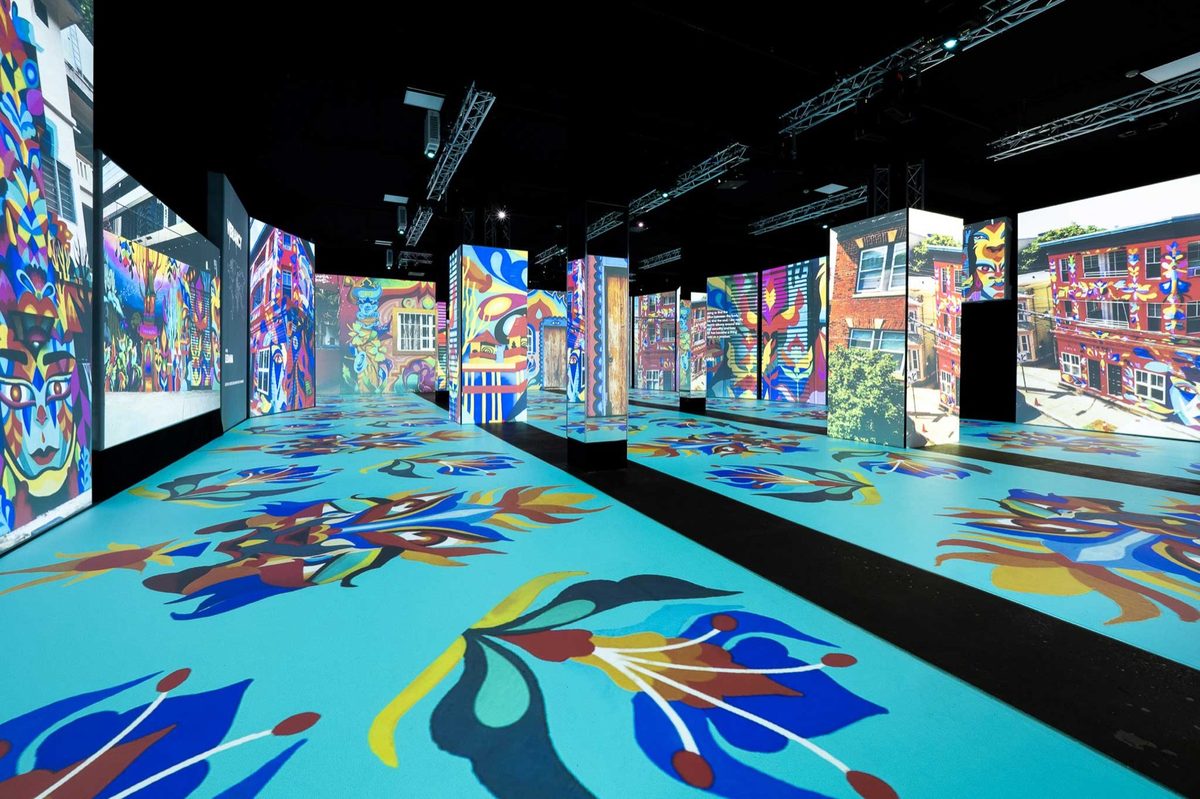
The immersive exhibition hall at Magic Box Event Campus

ShoSoft saves me around 15 hours a week. Having everything in one place has completely changed how we work.

Kelly Monaghan

Event Director, Magic Box Event Campus

15 hours saved every week

Frequently asked questions

Questions about your venue?

  • From the collaborative event’s orders, including spaces, inventory, workforce and custom charges.

  • Draft, review and approval, then a branded PDF. The invoice stays attached to the same event.

  • Yes. Stripe handles ticket and exhibitor sales, plus producer payment and deposit requests.

  • Yes. Export the general ledger for your bookkeeper. QuickBooks integration is not available yet.

  • Professional and Enterprise. Professional carries a 0.50% processing fee and Enterprise 0.20%, and Enterprise adds ACH processing. Compare every plan.

Keep track of what’s owed

No credit card required

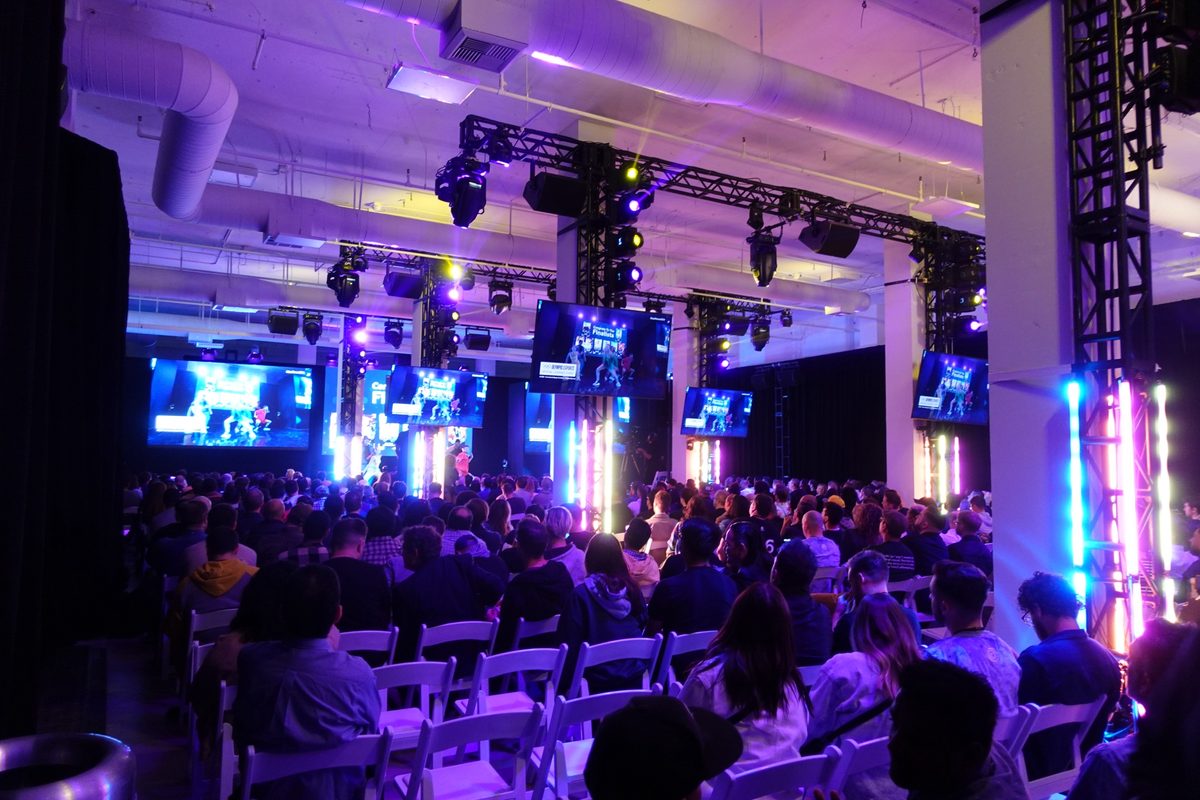
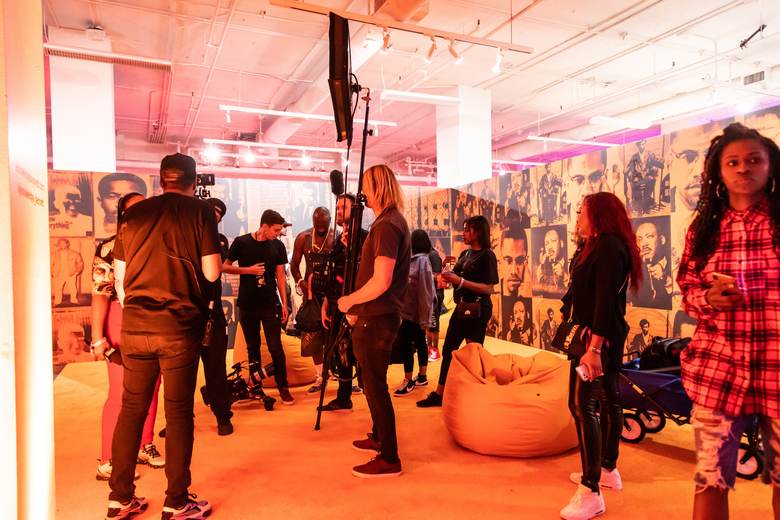
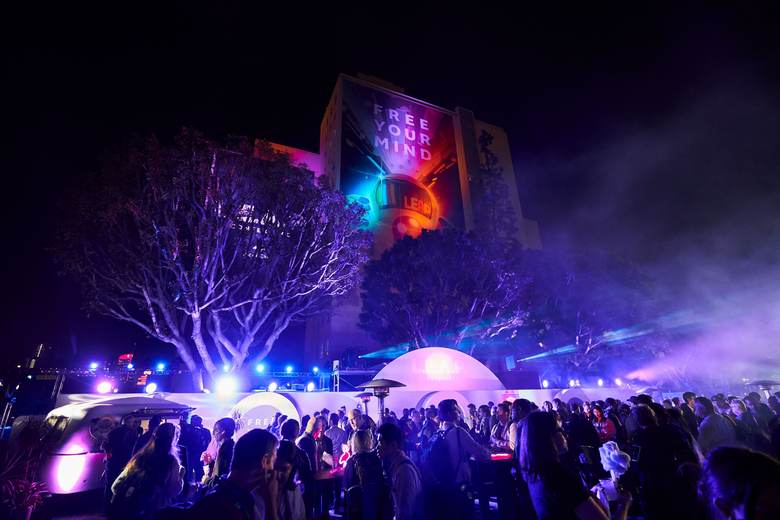
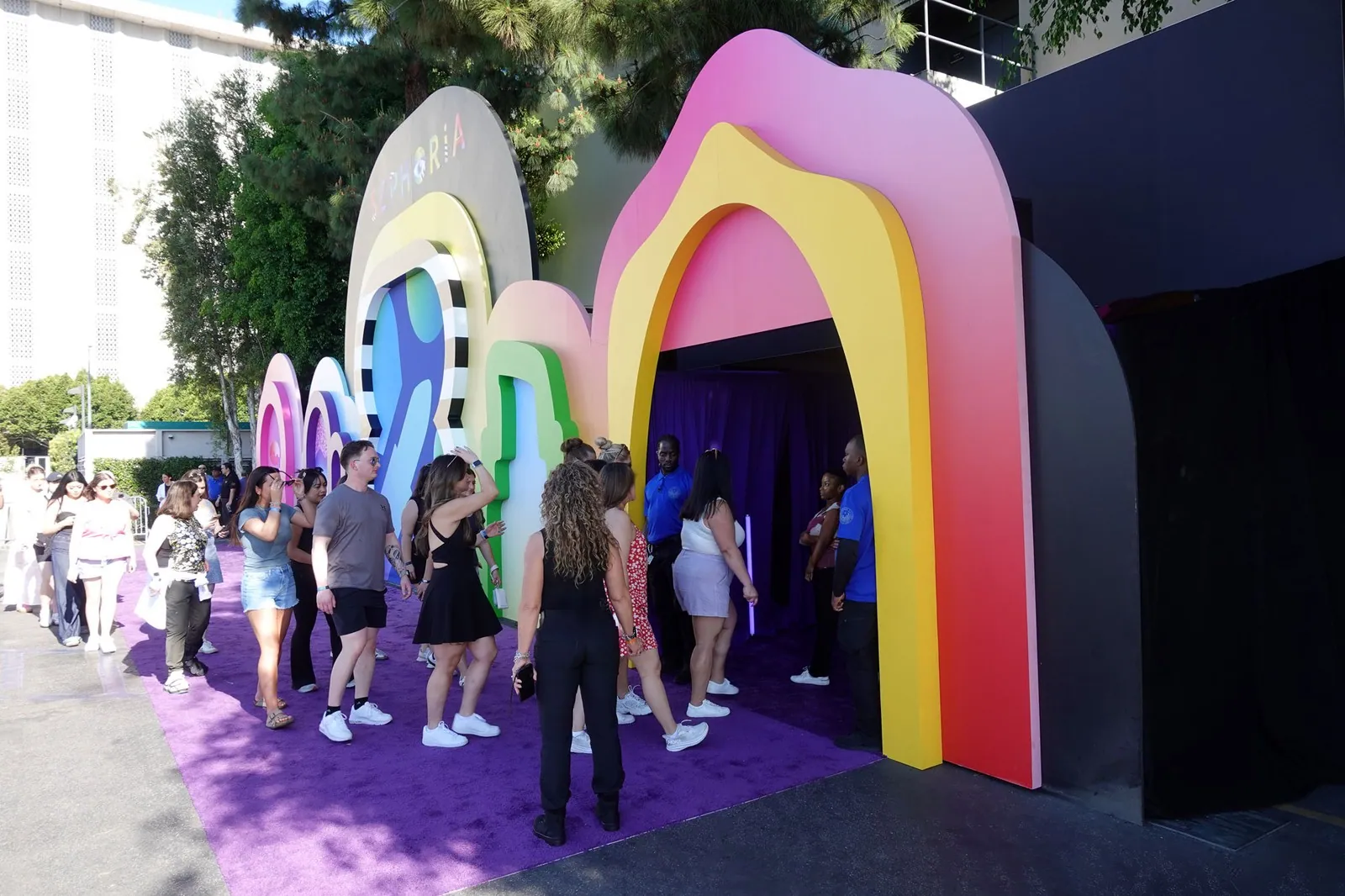
A seated audience facing a lit stage at Magic Box Event CampusA film crew and guests at a bright orange activation setGuests walking through a colorful Makers Studio brand activationA crowd at a night event outside a building lit with a projected messageGuests lining up under rainbow arches at an outdoor activation
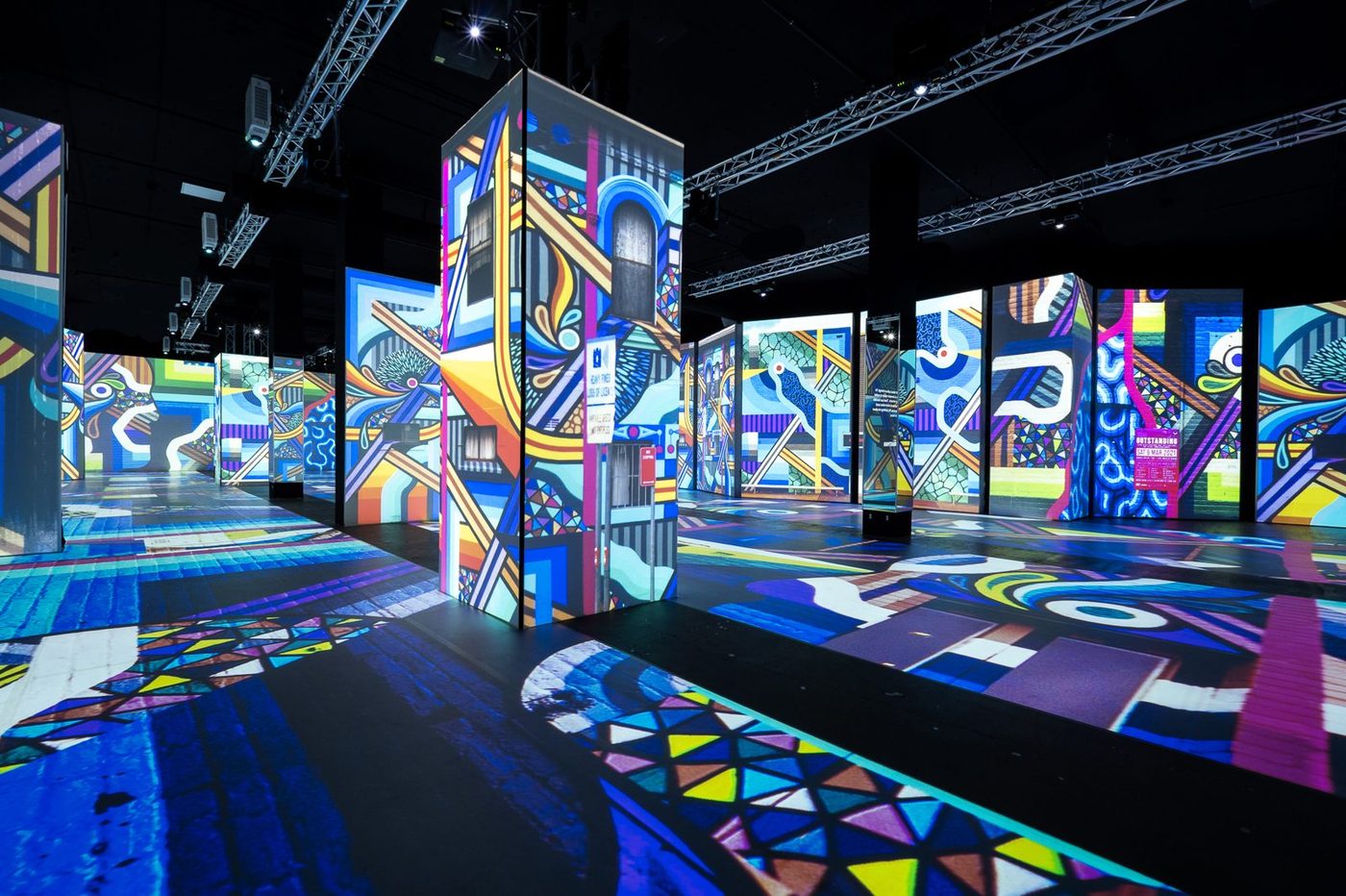
A projection-mapped street art exhibition floor at Magic Box Event CampusGuests photographing a corridor of glowing art screensProjection-mapped pillars across the exhibition floor at Magic Box Event CampusVisitors at the ShoSoft booth on a trade show floorA crowd posing for a group photo at Magic Box Event Campus