
Skip to content
Inventory management

Know what you own, and what to charge

Keep venue equipment, supplies and rentals in one catalog. Assign them to events and include them in the bill.

No credit card required

Real ShoSoft screen, demo data
ShoSoft event inventory showing venue items assigned across the days of an event
  • One list for every case and cable

    Track quantities, rates and categories for your venue’s equipment and supplies.

    • Items Track reusable equipment and consumable supplies with quantities, images and categories.
    • Bundles and vendor items Bundle equipment that goes together. Add rented gear as vendor items.
    • Billing types and codes Set billing types and accounting sub-codes on each item.
  • The gear you assign is the money you bill

    Assigned inventory carries through to event quotes, invoices and booth packages.

    • Assign items to an event alongside spaces and workforce
    • Inventory lines flow into collaborative-event quotes and invoices
    • Exhibitor booth packages pull from the same catalog

    Next door, accounting turns those lines into a balance, and exhibitor management sells them again as booth extras.

    Real ShoSoft screen, demo data

From the catalog to the booking

Build the venue catalog once, then use it across bookings.

  1. Build the catalog once

    Add items, bundles, categories, rates and vendor equipment.

  2. Put it against the event

    Open the event and assign items across its days, beside the spaces it holds on the calendar and the crew from workforce management.

  3. Price it where it stands

    Use the item’s billing type and rate on the quote or invoice.

  4. Add booth extras

    Include catalog items in exhibitor booth packages and extras.

What venues say about ShoSoft

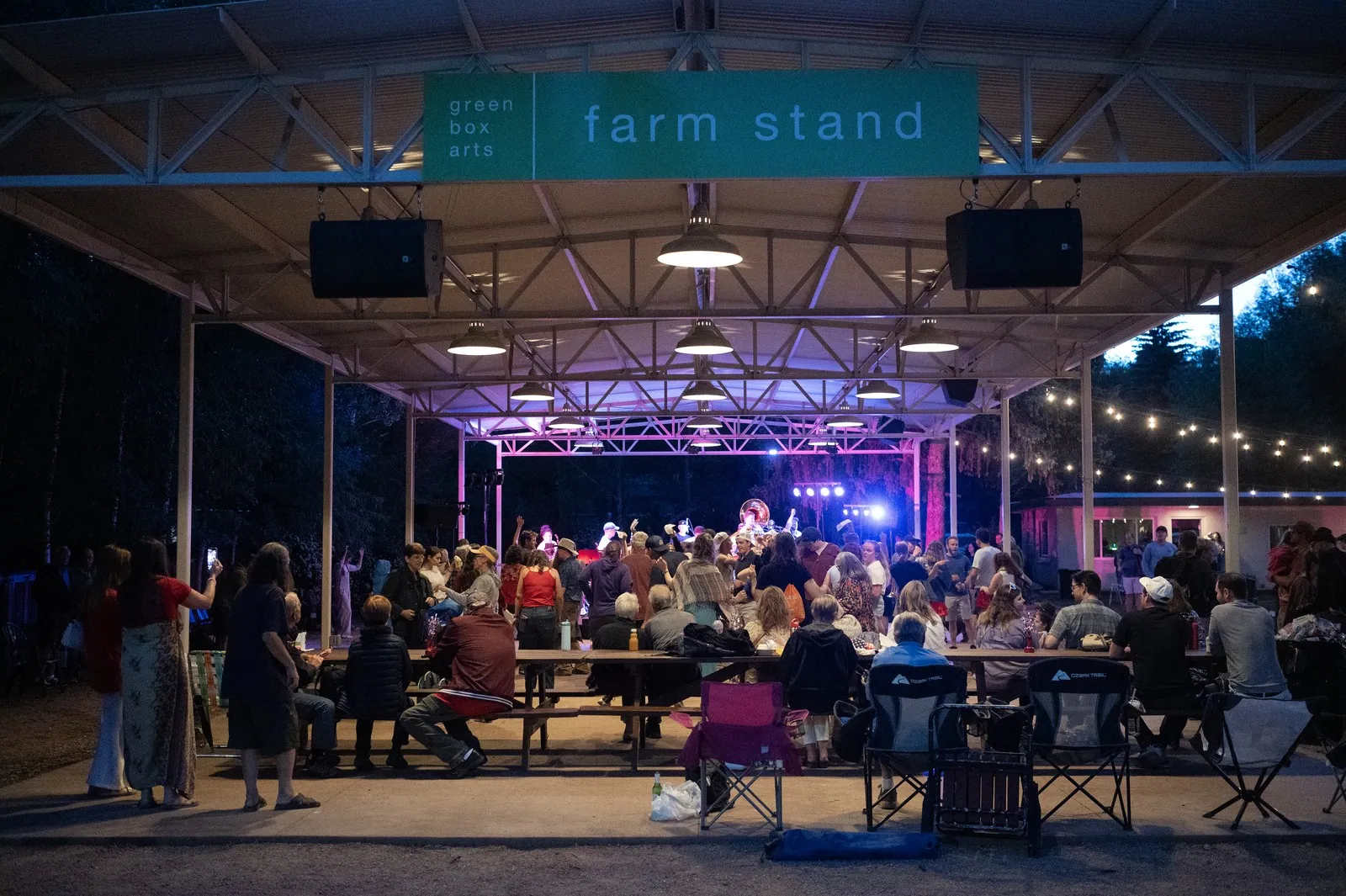
People sitting outside by a stage

Using ShoSoft has allowed us to go from five tools to a single source of truth.

Anna Faye Hunter

Director of Communications and Engagement, Green Box, a nonprofit arts organization in Green Mountain Falls, Colorado.

The team moved event scheduling, event work, inventory, and team coordination out of paper binders, Google Calendar, Outlook, and Dropbox.
Frequently asked questions

Questions about your venue?

  • Build a catalog of items, bundles, quantities and rates. Assign them to events, quotes, invoices and booth packages.

  • Yes. Inventory assigned to collaborative events becomes quote and invoice line items. Payments and deposits roll up into venue ledgers.

  • Essentials covers 10 inventory items and Pro covers 25. Enterprise removes the limit on inventory and vendors. Vendor management itself starts on Pro with 10 vendors. Compare every plan.

  • Add rented gear as vendor items linked to your supplier directory. Plan and price it alongside equipment you own.

Organize your venue inventory

No credit card required

A seated audience facing a lit stage at Magic Box Event CampusA film crew and guests at a bright orange activation setGuests walking through a colorful Makers Studio brand activationA crowd at a night event outside a building lit with a projected messageGuests lining up under rainbow arches at an outdoor activation
A projection-mapped street art exhibition floor at Magic Box Event CampusGuests photographing a corridor of glowing art screensProjection-mapped pillars across the exhibition floor at Magic Box Event CampusVisitors at the ShoSoft booth on a trade show floorA crowd posing for a group photo at Magic Box Event Campus