
Skip to content
Project management

Event tasks, with clear owners

Assign event tasks, owners and due dates. Track progress in board, calendar or list views.

No credit card required

Real ShoSoft screen, demo data
The ShoSoft task board for an event, with To do, Done and Overdue columns
  • See what needs doing

    See the same event tasks as a board, a calendar or a list grouped by event.

    • Board, calendar, and list Drag cards between To do and Done. Check overdue work in its own column.
    • Owners and due dates Give each task an assignee, due date and priority. Add notes and attachments.
    • Filters that answer one question Filter by status, priority, assignee or event. Update inline or print the filtered board.
    Real ShoSoft screen, demo data
  • Connected work

    Tasks attached to the event

    Open the related event from a task to check dates, spaces, crew and resources.

    • Open the event’s task board beside its calendar, files, inventory and workforce.
    • See tasks across events by due date on the venue dashboard.
    • Open the related booking directly from a task.

From a booked date to done

  1. The event exists first

    Create the event, then add its tasks.

  2. Give it an owner and a date

    Assign an owner, due date and one of five priorities. Attach schedules, certificates or floor plans.

  3. Work the board

    Move cards or update them inline. Filter to see one person’s work or a single event.

  4. Watch the overdue column

    Check the Overdue column or see upcoming tasks across events on the venue dashboard.

What venues say about ShoSoft

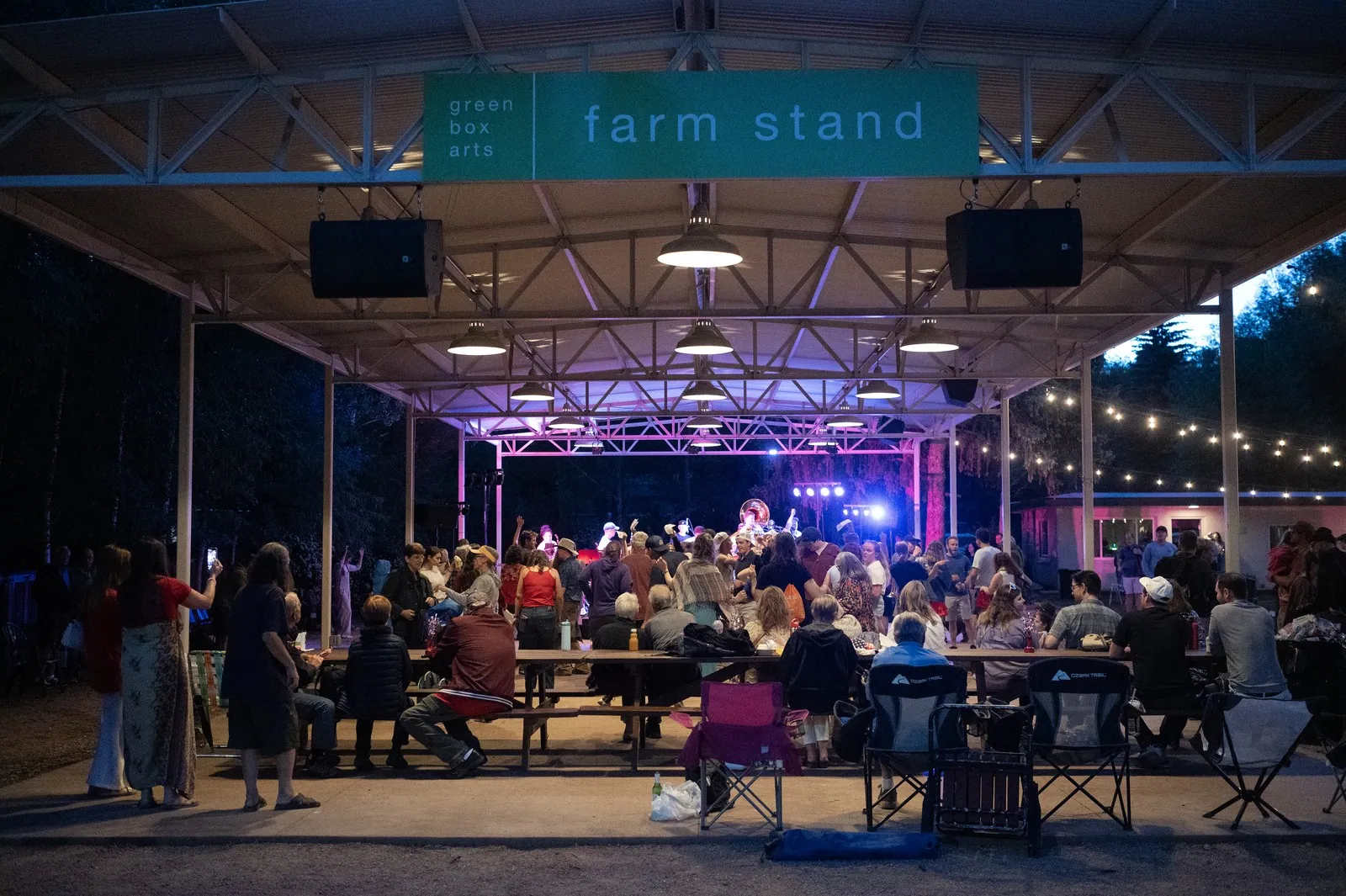
People sitting outside by a stage

Using ShoSoft has allowed us to go from five tools to a single source of truth.

Anna Faye Hunter

Director of Communications and Engagement, Green Box, a nonprofit arts organization in Green Mountain Falls, Colorado.

The team moved event scheduling, event work, inventory, and team coordination out of paper binders, Google Calendar, Outlook, and Dropbox.

Frequently asked questions

Questions about your venue?

  • Tasks stay attached to the event, alongside its dates, spaces, team, resources and finances.

  • Professional and Enterprise. Every paid plan starts with a 60-day free trial and no credit card. Compare every plan.

  • No. Create the event first, then add the tasks that belong to it.

  • No. The Inbox shows notifications, and there is no email or SMS module. Tasks include notes and attachments.

  • Guided onboarding and data migration are available. Your setup depends on the venue and records you bring across.

Give every task an owner

No credit card required

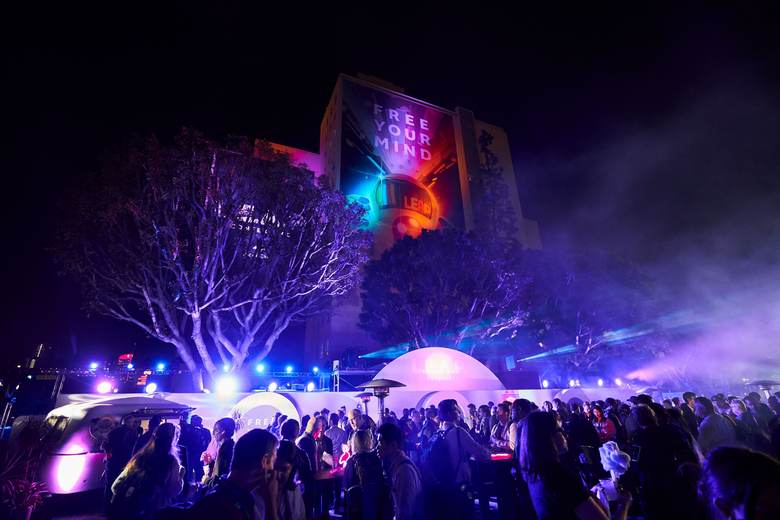
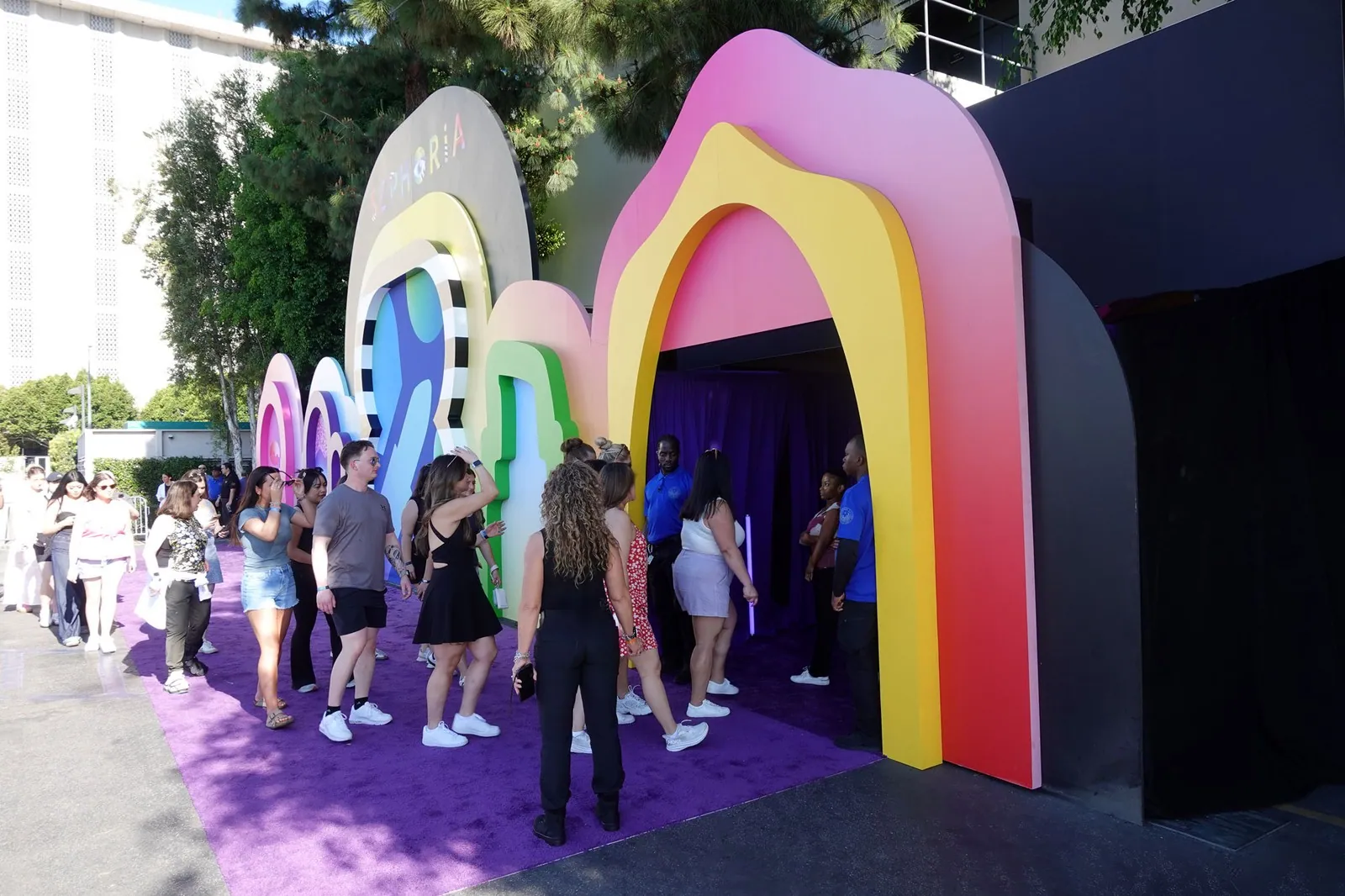
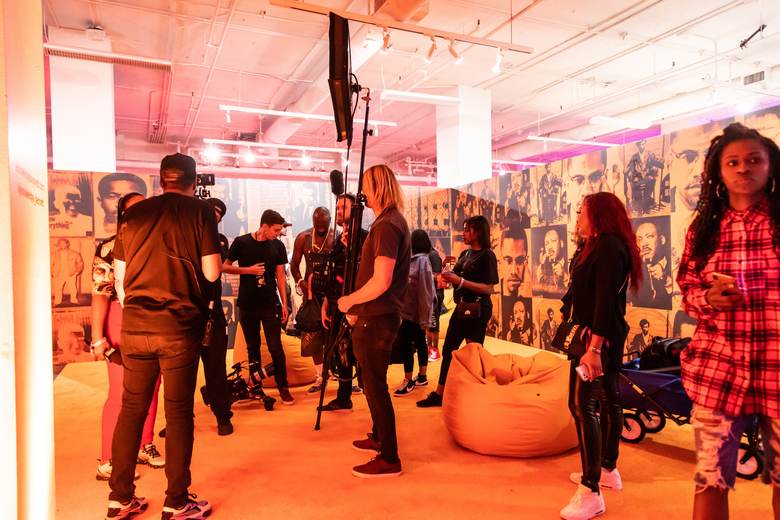
A seated audience facing a lit stage at Magic Box Event CampusA film crew and guests at a bright orange activation setGuests walking through a colorful Makers Studio brand activationA crowd at a night event outside a building lit with a projected messageGuests lining up under rainbow arches at an outdoor activation
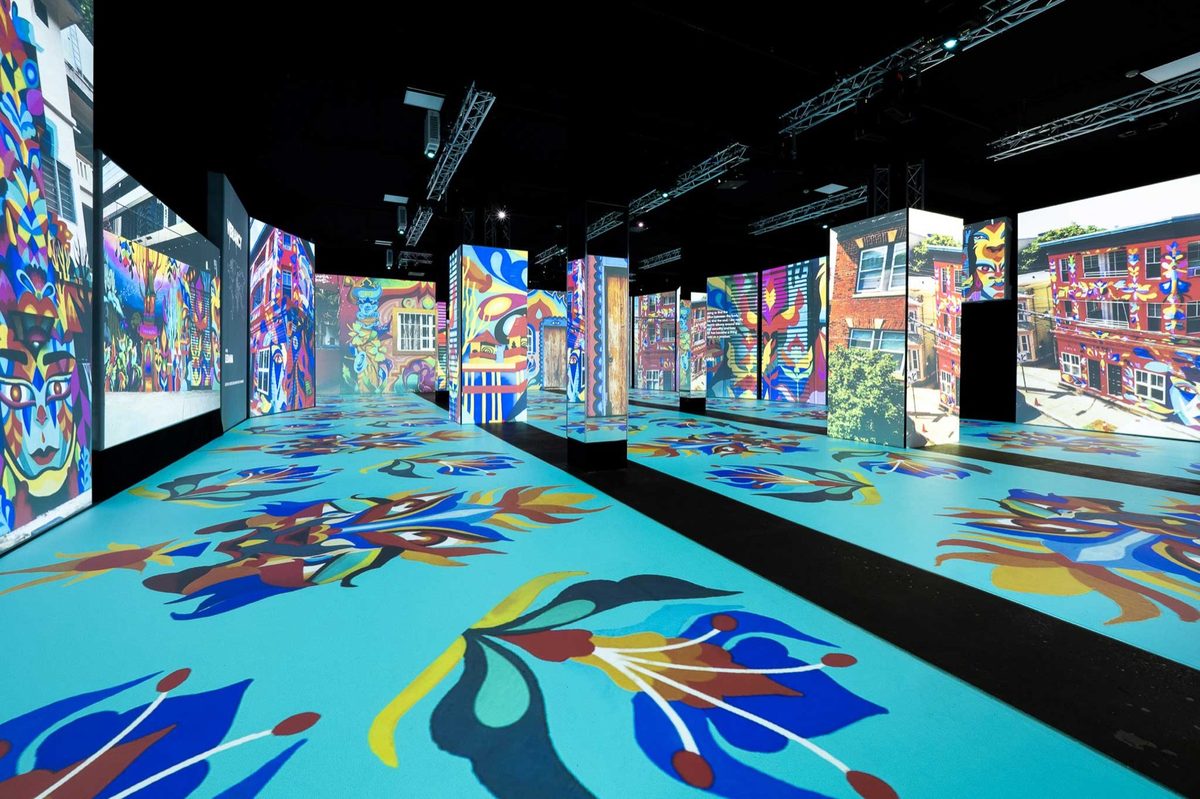
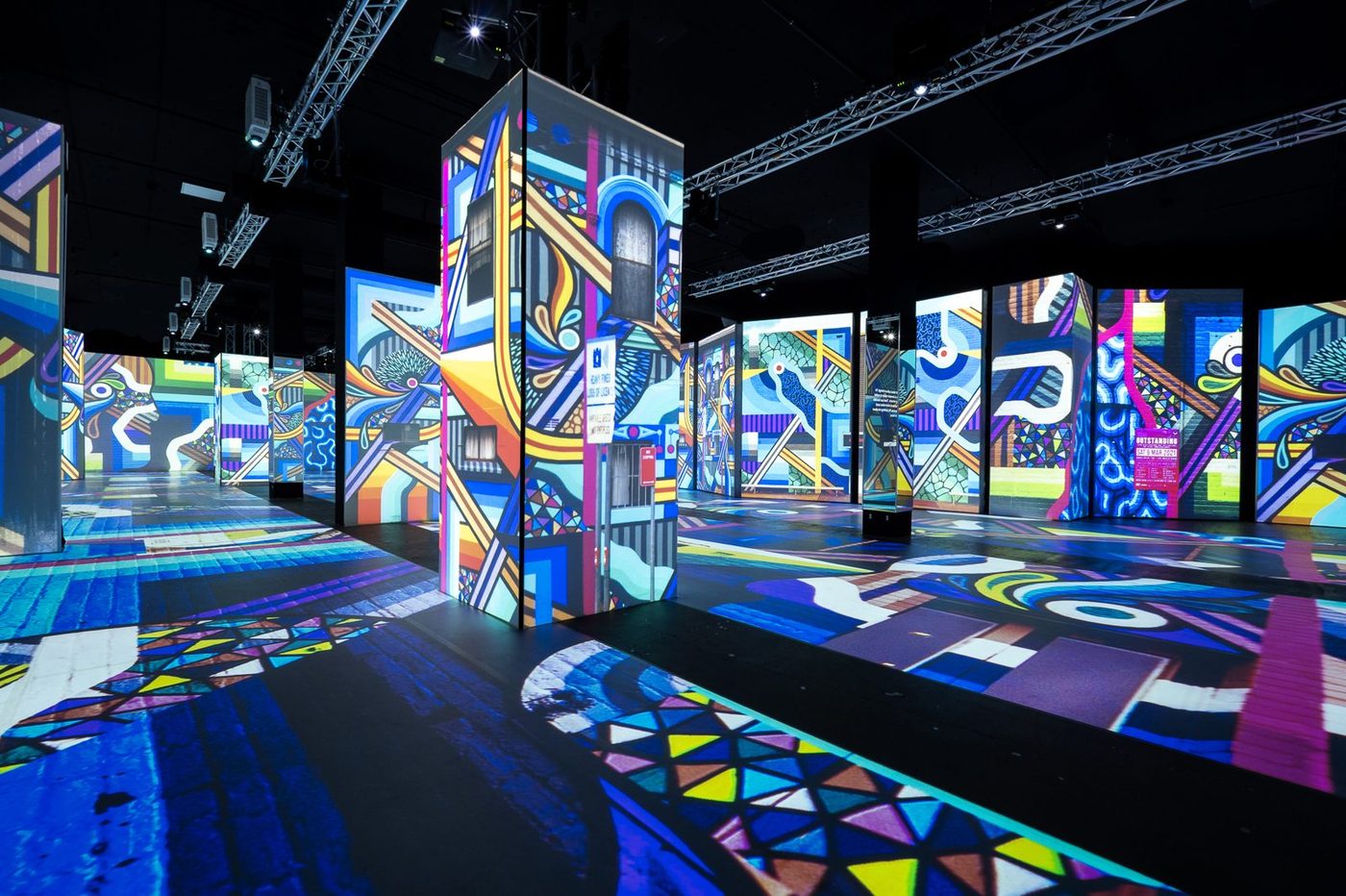
A projection-mapped street art exhibition floor at Magic Box Event CampusGuests photographing a corridor of glowing art screensProjection-mapped pillars across the exhibition floor at Magic Box Event CampusVisitors at the ShoSoft booth on a trade show floorA crowd posing for a group photo at Magic Box Event Campus