
Skip to content
Workforce management

Every shift lives on the event

Schedule event staff, track open shifts and carry labor costs into quotes and invoices.

No credit card required

Real ShoSoft screen, demo data
The ShoSoft event workforce sheet, a day of shifts laid out by role
  • The day, laid out hour by hour

    See roles and shifts across each event day, with names, start times and end times.

    • Roles you set up once Set up roles and billing rates once, then reuse them across events.
    • Shifts on the event day See assigned and open shifts alongside the event’s spaces and inventory.
    • Labor with a price on it Add labor to collaborative-event quotes and invoices with the space, equipment and custom charges.
    Real ShoSoft screen, demo data
  • Plan to invoice

    Turn planned hours into billable labor

    Role rates and planned hours become line items on collaborative-event quotes and invoices.

    • Review, approve and send labor costs in branded PDF quotes.
    • Track invoice balances, deposits and payments.
    • Export the general ledger for your bookkeeper.

From a booking to a call time

  1. Define the roles once

    Create venue roles and rates for coordinators, stagehands, security, housekeeping or other crew.

  2. Open the event’s workforce sheet

    Choose a day in the event’s workforce sheet, from load-in through show day.

  3. Place the shifts

    Place a shift against a role and time. Assign a person now or leave it visibly open.

  4. Let the cost follow the plan

    Include planned labor in the same quote or invoice as the space and equipment.

What venues say about ShoSoft

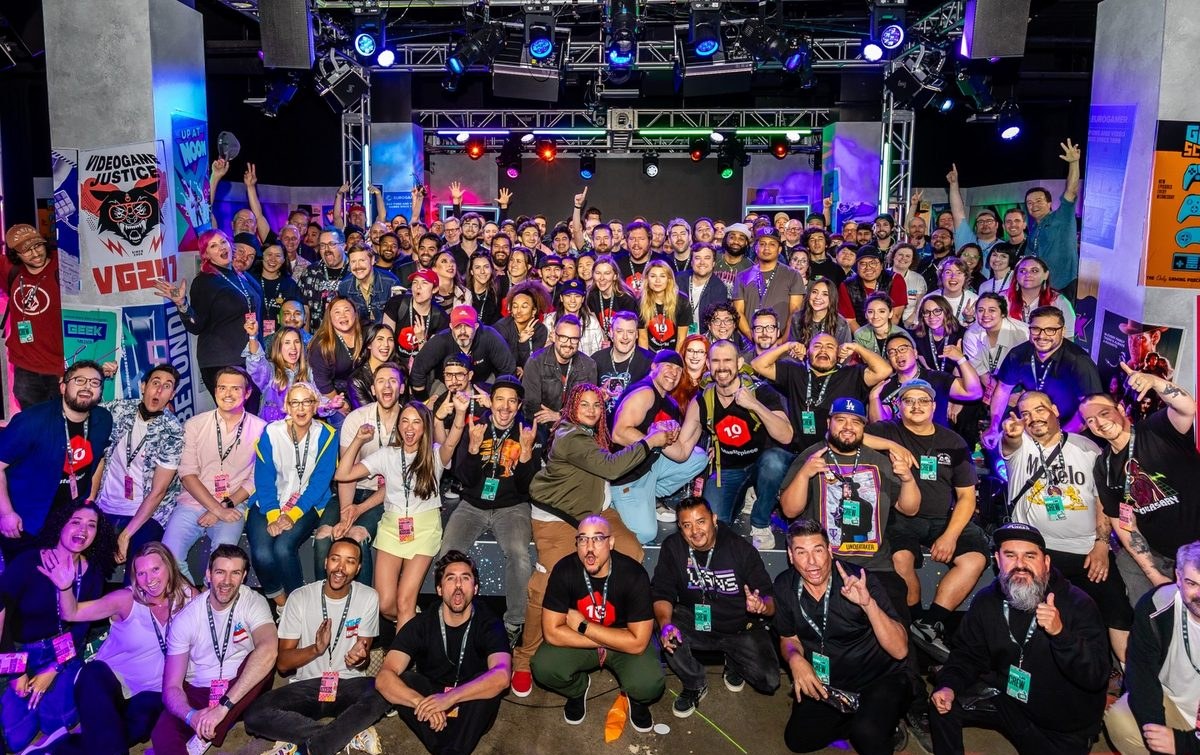
A crowd gathered for a group photo at Magic Box Event Campus

ShoSoft saves me around 15 hours a week. Having everything in one place has completely changed how we work.

Kelly Monaghan,

Event Director. Magic Box Event Campus, Los Angeles.

A three-person venue team replaced paper binders and disconnected tools with live quotes, payments, exhibitors, workforce plans, and onsite schedules.
Frequently asked questions

Questions about your venue?

  • Yes. Set up roles and rates, then add staff to events and collaborative-event quotes and invoices.

  • Yes. Assign people, roles and hours to shifts on each event day.

  • Essentials covers 10 workforce individuals per event, Pro covers 25, and Enterprise is unlimited. Workforce scheduling is not part of the Free plan. Compare every plan.

  • Yes, on collaborative events. Workforce joins spaces, inventory and custom charges on quotes and invoices.

  • Talk to our team about your payroll workflow. ShoSoft keeps rates and hours on the event and provides general ledger export for your bookkeeper.

Know who is working, and when

No credit card required

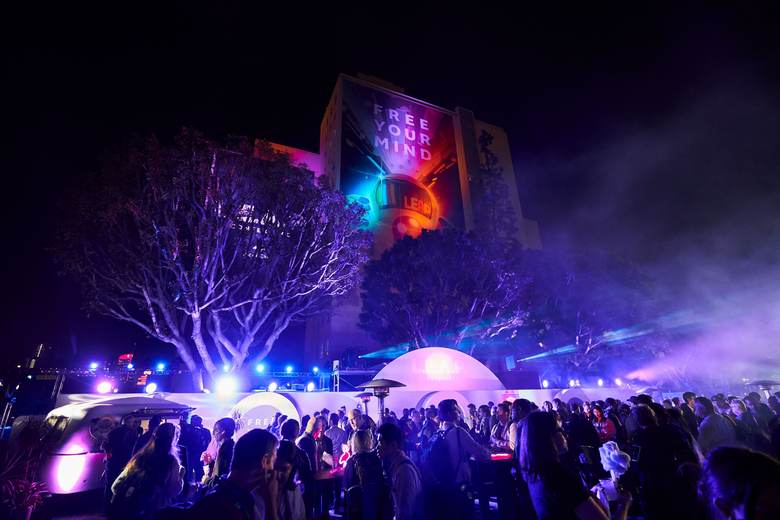
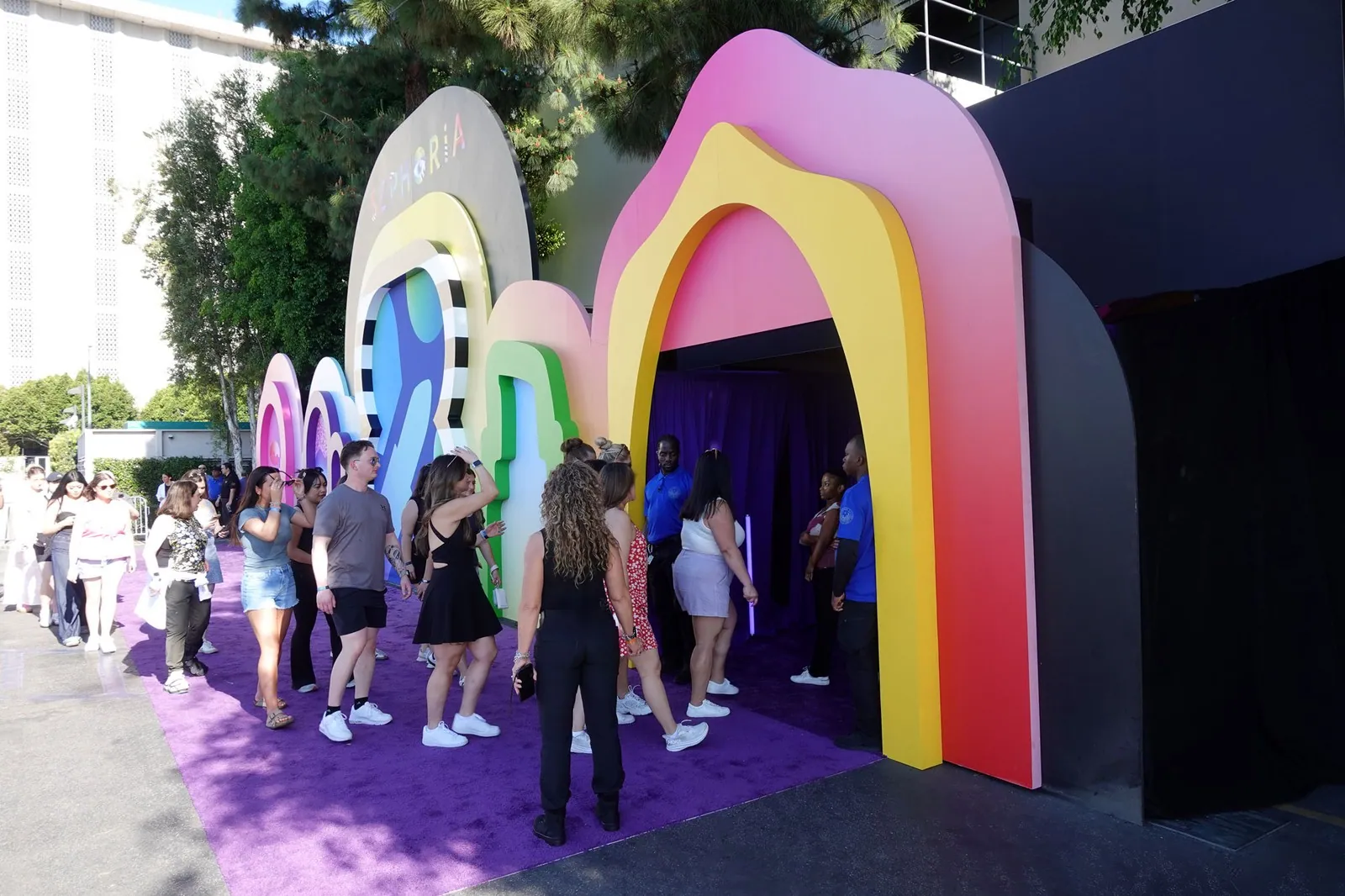
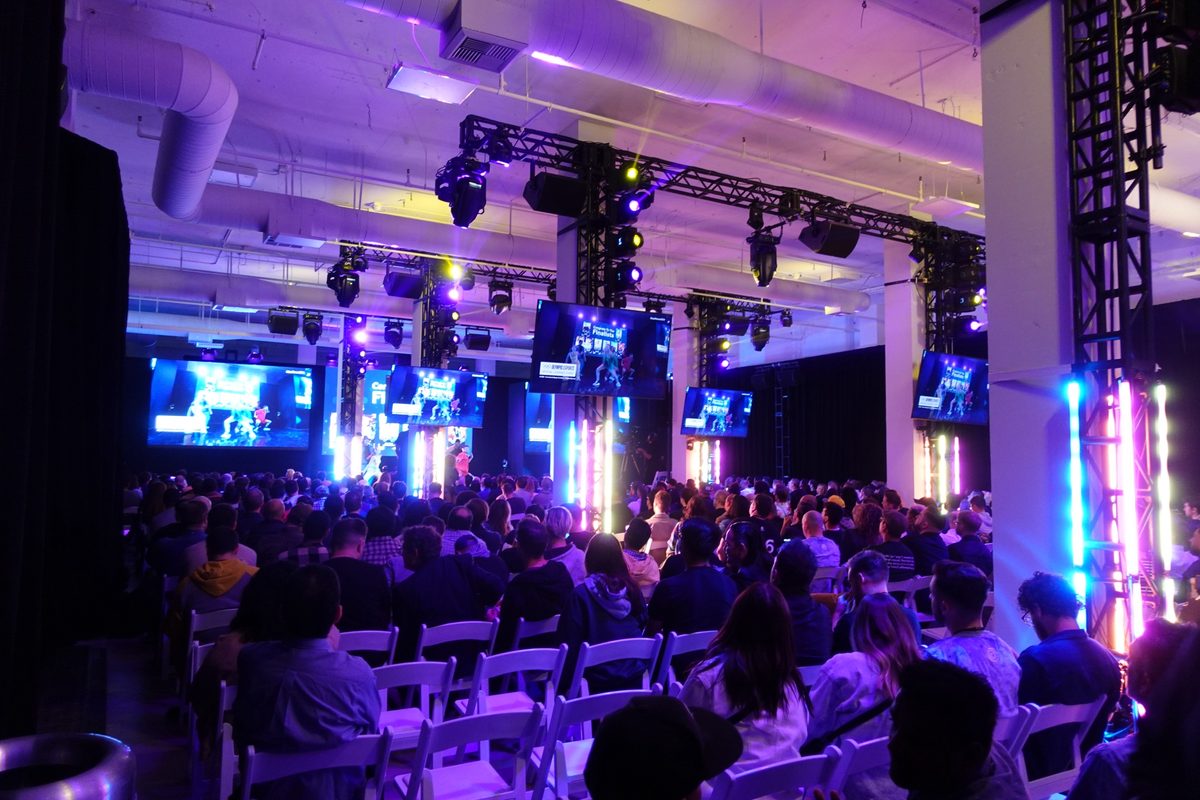
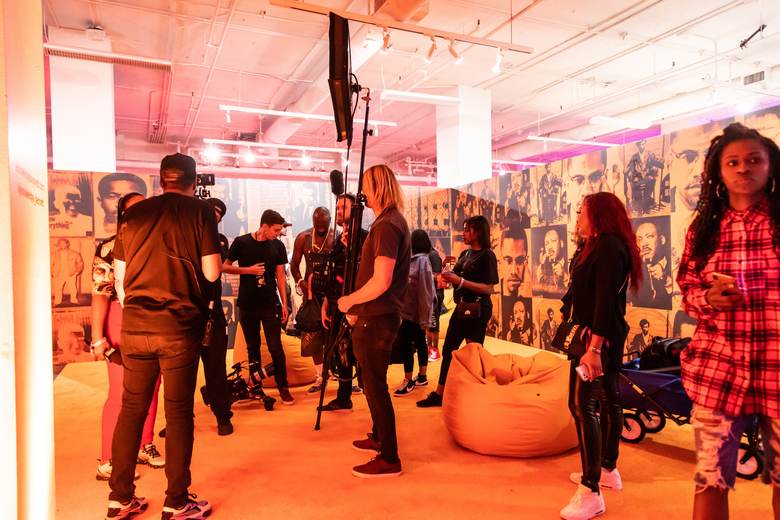
A seated audience facing a lit stage at Magic Box Event CampusA film crew and guests at a bright orange activation setGuests walking through a colorful Makers Studio brand activationA crowd at a night event outside a building lit with a projected messageGuests lining up under rainbow arches at an outdoor activation
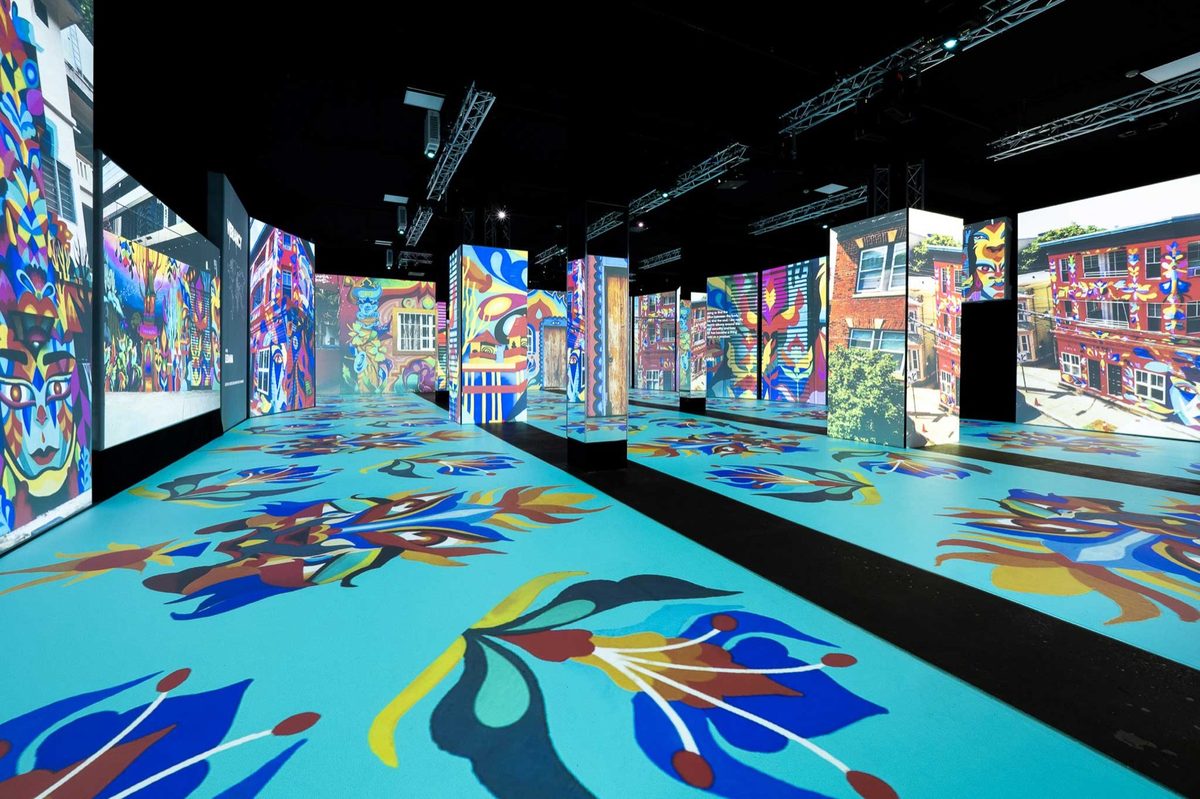
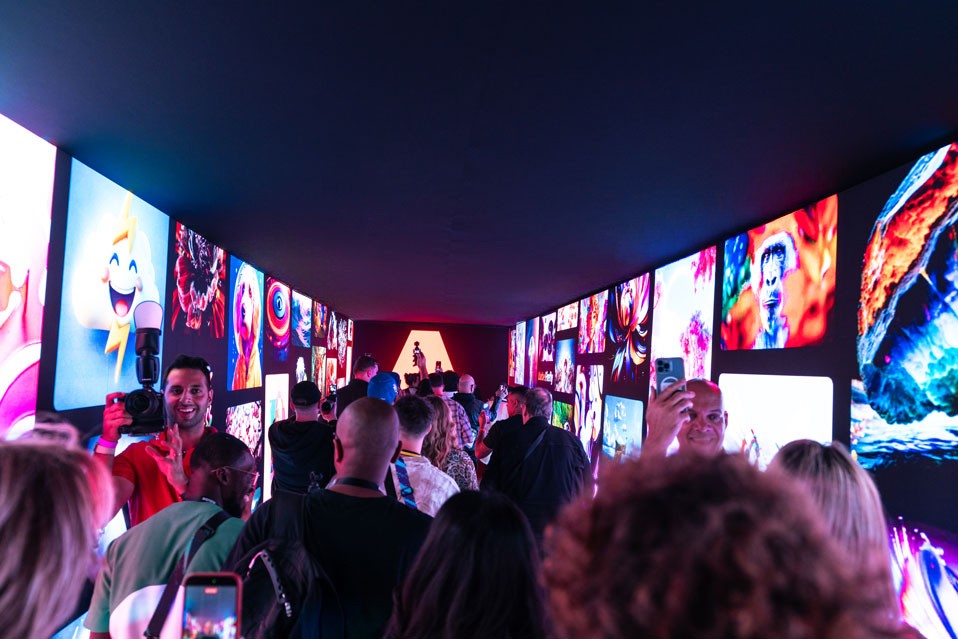
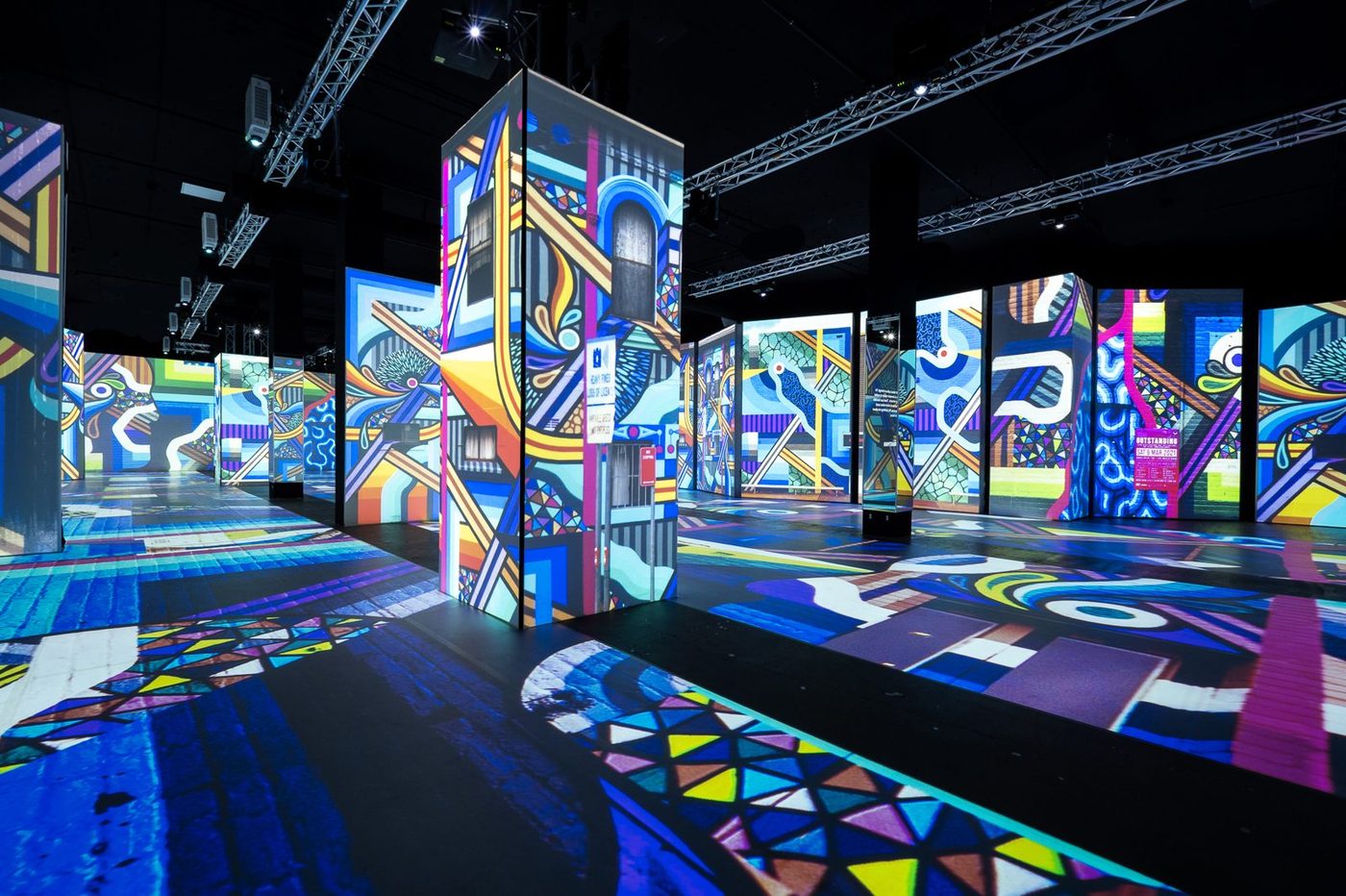
A projection-mapped street art exhibition floor at Magic Box Event CampusGuests photographing a corridor of glowing art screensProjection-mapped pillars across the exhibition floor at Magic Box Event CampusVisitors at the ShoSoft booth on a trade show floor